This is an old revision of the document!
Model learner
Getting started
At the start of the program you will see window like this:

- Model file - file in Candybox folder usually has format model{recipe_number}.h5
- Classes count - specifies how many candy area types is contained in model.
Usually this number is equal to amount of candy types + 1(for background) - Images folder - folder with images to work with.
Known parameters for models are:
| Model | Classes |
|---|---|
| model144318.h5 | 9 |
| model144750.h5 | 9 |
| model144753.h5 | 14 |
| model161221.h5 | 9 |
After specifying all the parameters press Open button
Correction
Pick an image and find incorrect recognition using mouse wheel.
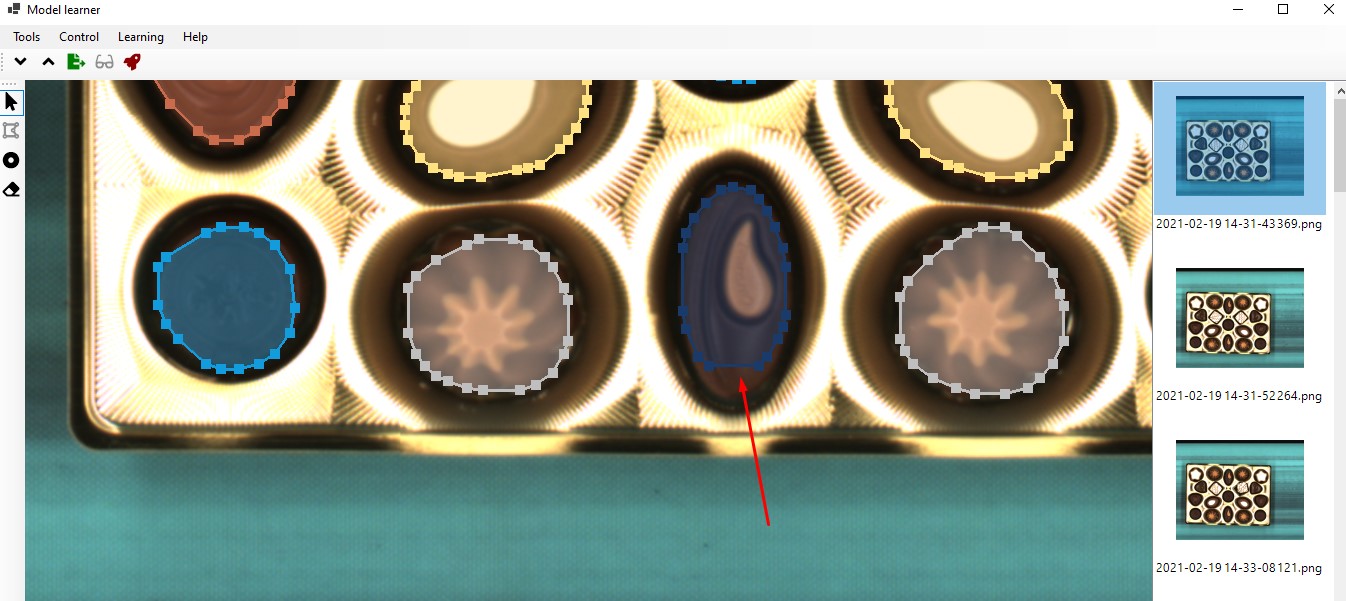
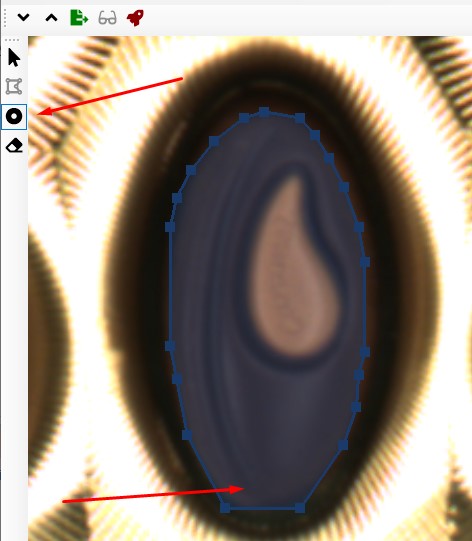
Using Move vertices tool correct area of the candy.
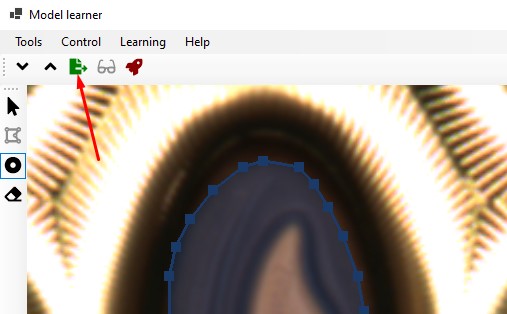
After correction is made press Export button.
The image would be marked as exported. So this image would be used to train the neural net.
Learning
Press Learn button. A learning window will appear
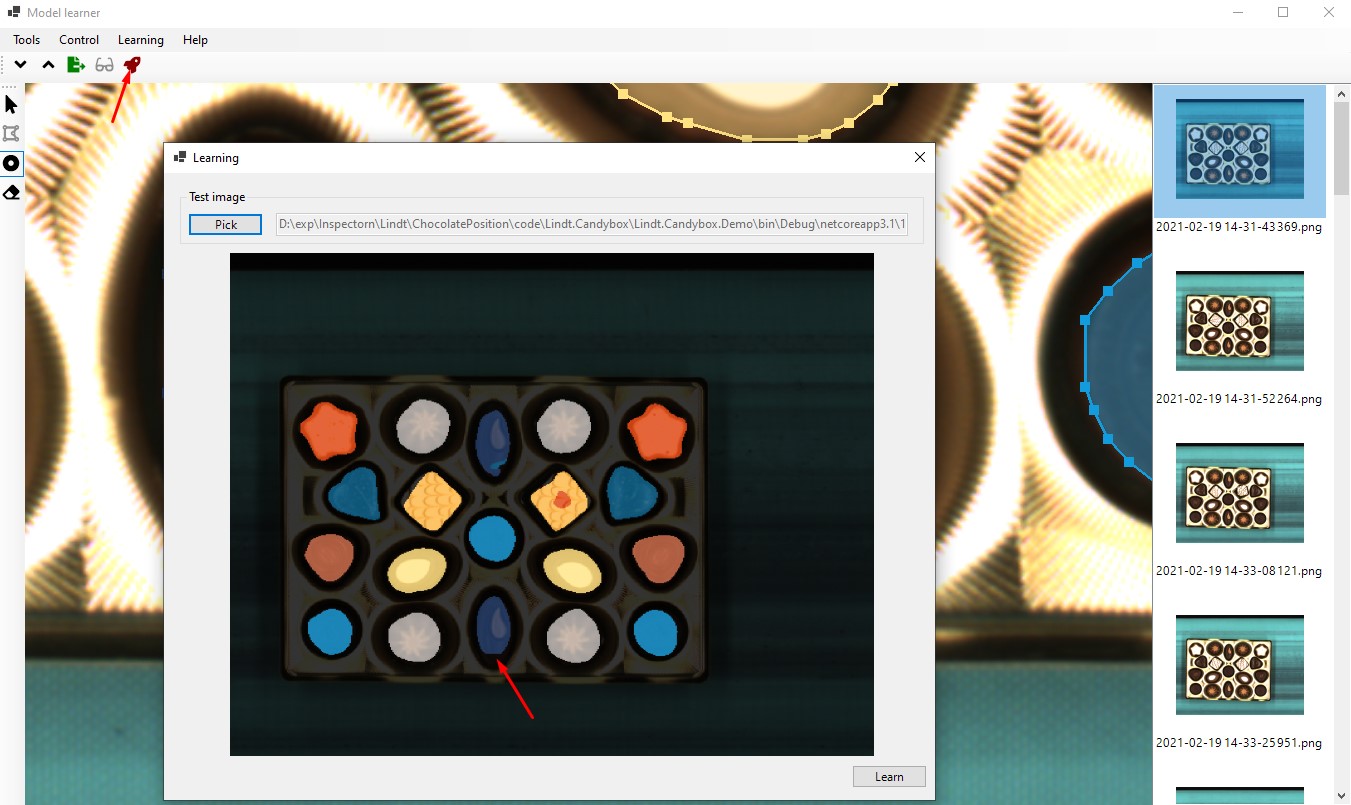
Pick a test image. You will see raw output of the neural net. As you can see. Candy in the bottom middle appears cut in the same way we have seen in previous step.
Now we need to train our network.
To do that click the Learn button at the bottom right corner of the window.
Neural net will perform one learning iteration. You may perform more than one iteration. When you satisfied with the results - close the window.
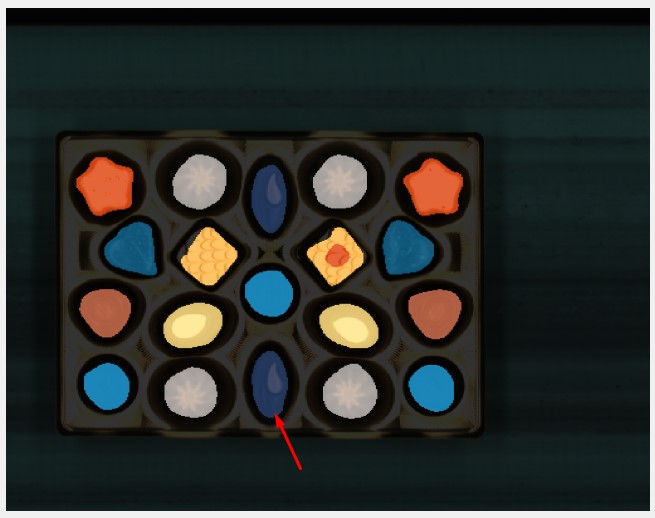
Now you can see how neural net behaves with loaded images
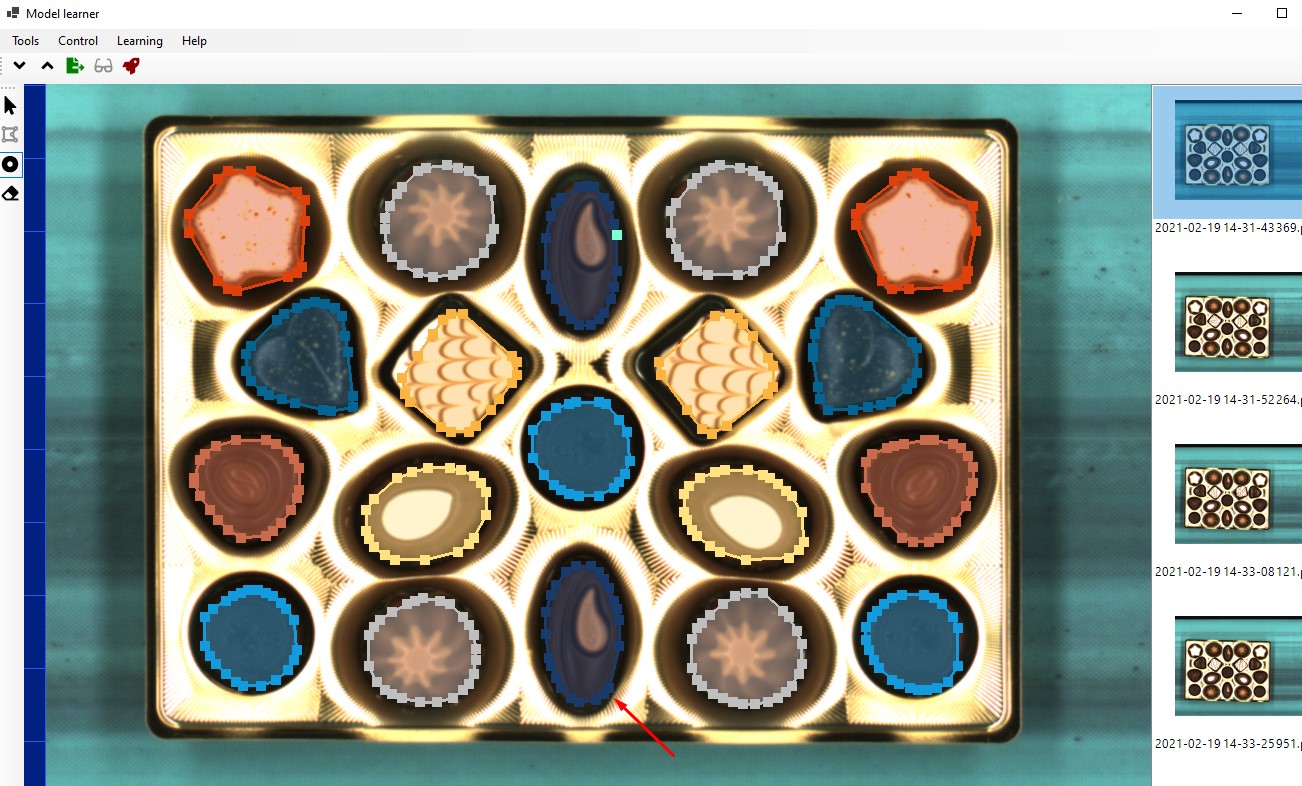
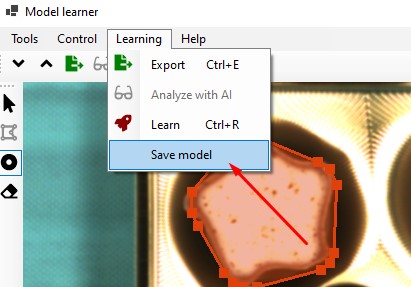
But if you close the program now - you will loose all the changes. To save what neural net have learned you need to save the model.
To do so go to the Learning menu and press Save model