This is an old revision of the document!
Model learner
Getting started
At the start of the program you will see window like this:

- Model file - file in Candybox folder usually has format model{recipe_number}.h5
- Classes count - specifies how many candy area types is contained in model.
Usually this number is equal to amount of candy types + 1(for background) - Images folder - folder with images to work with.
Known parameters for models are:
| Model | Classes |
|---|---|
| model144318.h5 | 9 |
After specifying all the parameters press Open button
Correction
Pick an image and find incorrect recognition using mouse wheel.
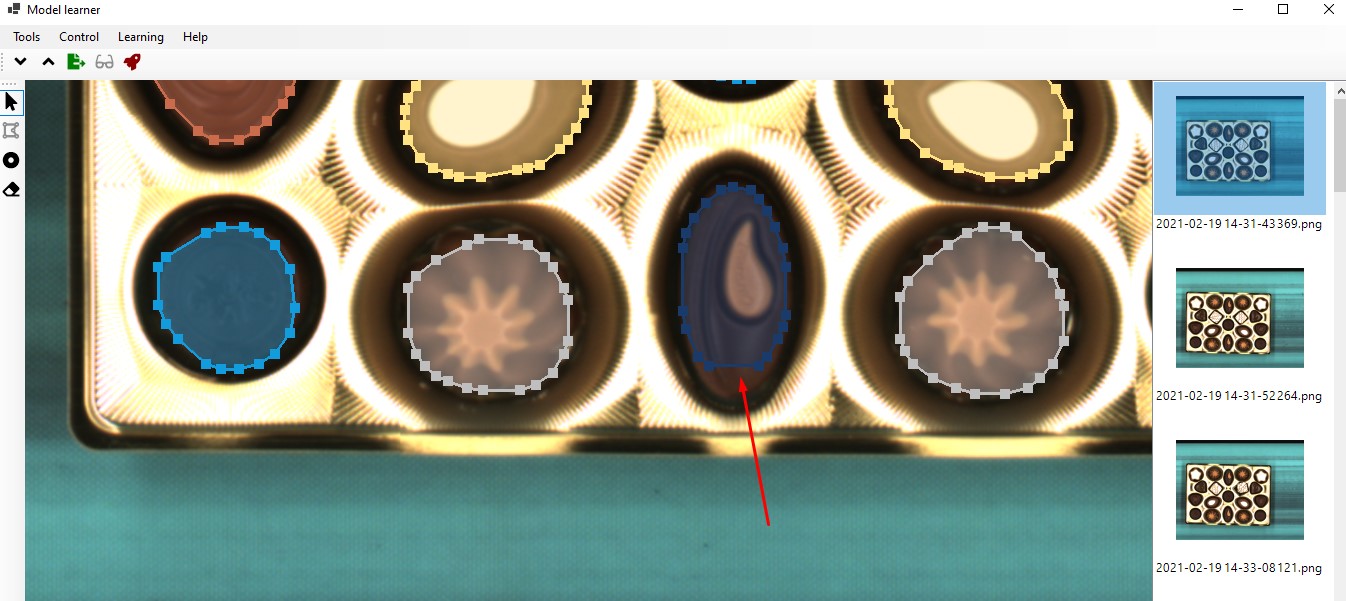
Using Move vertices tool correct area of the candy.
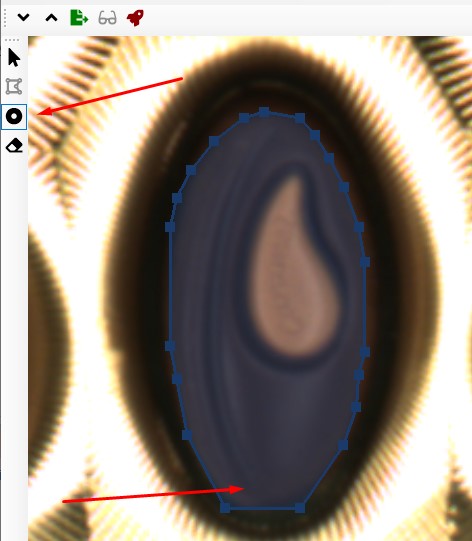
After correction is made press Export button.
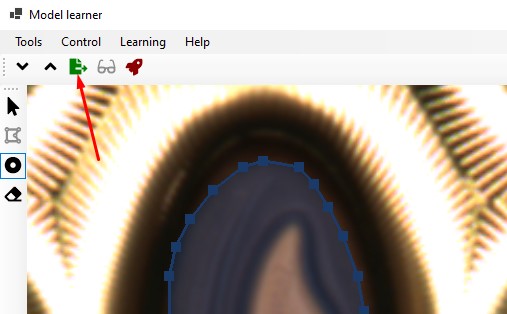
The image would be marked as exported.
Now press Learn button. A learning window will appear
Learning
qwe